Skip to content
Guided practice for beginners

Workshops that make everyday tech feel manageable

Our workshops are practical learning sessions designed for non-technical users. Each session focuses on real tasks such as setting up a laptop, organizing files, improving workspace comfort, and learning safe everyday habits. Topics are explained clearly, with time to practice and ask questions.

Plain language

No jargon, just clear terms and what they mean.

Checklists

Take-home steps so you can repeat routines later.

Safe approach

We focus on low-risk habits and clear boundaries.

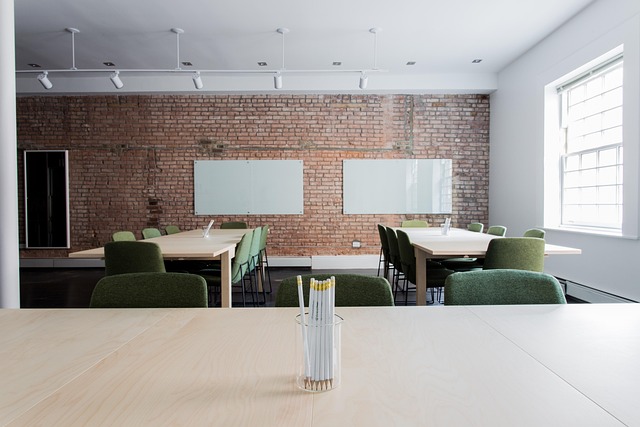
small group learning computer basics with laptops in a calm modern classroom

Session format

A consistent structure to keep learning calm and focused.

60 to 90 min
  • 1 Brief intro: terms, goals, and common pitfalls.
  • 2 Guided practice: follow steps on your own device.
  • 3 Q and A: clarify what to do at home and what to avoid.
  • 4 Checklist recap: simple routine to keep.
Bring your current setup
Work with the laptop, cables, and accessories you already use at home.

Workshop themes

These themes reflect common needs in home and small office environments. Each outline below lists what you will practice and what to prepare. We avoid advanced configuration and focus on safe, repeatable actions that support everyday use: email, documents, video calls, files, and basic maintenance.

Laptop setup essentials

A calm walkthrough of first-time setup and the settings people commonly miss. You will practice updates, storage checks, Wi-Fi basics, and simple account hygiene for daily use.

  • Update routine and restart habits
  • Storage overview and cleanup basics
  • Wi-Fi troubleshooting first steps

Digital organization

Build a folder structure that makes sense for everyday life and work. You will practice naming files, finding downloads, and keeping documents in a consistent place.

  • Folder layout for common tasks
  • Simple naming rules you can remember
  • Backup concepts and safe habits

Workspace comfort and ergonomics

A practical setup session that focuses on posture, screen height, and accessory basics. You will learn how to reduce strain through small, realistic changes.

  • Monitor, chair, and lighting alignment
  • Keyboard and mouse placement basics
  • Cable tidy and desk organization

Safe everyday technology

Learn practical safety habits for daily browsing, email, and accounts. The focus is on clear settings and recognition of common scams without fear-based messaging.

  • Passwords and account hygiene basics
  • Updates, permissions, and safe downloads
  • Recognizing suspicious messages

Troubleshooting routine

A structured approach for common issues such as slow performance, storage warnings, audio, and simple connectivity problems. Learn what to check first and when to stop.

  • Basic diagnosis steps you can repeat
  • Collecting useful details for support
  • Safe maintenance boundaries

Accessories and ports explained

Understand what plugs into what and why. This session explains common ports, adapters, docks, and accessories so you can choose compatible items with confidence.

  • USB-C, HDMI, Bluetooth, and power basics
  • Monitors, webcams, audio, and simple setups
  • Compatibility checklist for purchases

Who these workshops are for

Workshops are designed for everyday users who want reliable routines and clear explanations. If you use a computer for email, documents, browsing, video calls, or home tasks, you will find practical value here. We keep sessions calm and structured, and we avoid advanced technical work that could cause unintended changes to your device.

If you are currently experiencing hardware faults, liquid damage, or repeated system crashes, consider professional repair services first. Our materials can still help you understand what to ask and what details to share when you seek support.

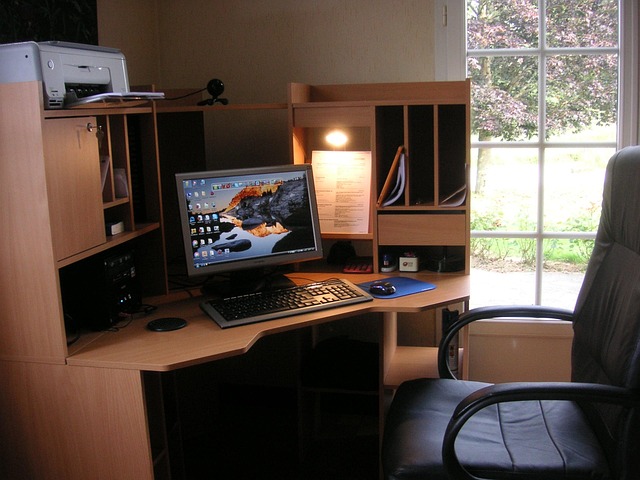
workspace accessories including monitor stand keyboard mouse and cable organizer
Suggested preparation
  • Bring your laptop and charger
  • List 3 tasks you do weekly
  • Note any recurring issues
Open preparation checklist

Learning boundaries and safety

We focus on practical learning, not device repair. In workshops, we do not ask for sensitive data, and we do not request account passwords. Any demonstrations are designed to be low risk and reversible. If a step could affect important files, we explain the safer option and recommend backing up first.

For privacy, avoid sharing personal documents on screen when asking questions. If you want help describing a problem, we can guide you on what to capture, such as the exact error message and the steps that lead to it.

What you can expect

  • Clear explanations and structured steps you can follow later at home.
  • Simple checklists for setup, organization, and routine maintenance habits.
  • Guidance on when to stop and seek professional support for hardware issues.

Next step

If you want to build confidence before joining a session, start with our guides. They cover the same topics in a slower, self-paced format, with definitions and optional practice tasks.